Also on the Play Store: Traffic Rider on Google Play.
All Bikes Unlocked
Traffic Rider 3D looks best on a big screen – play the full 3D game on PC with keyboard controls.
What is a Traffic Rider on PC?
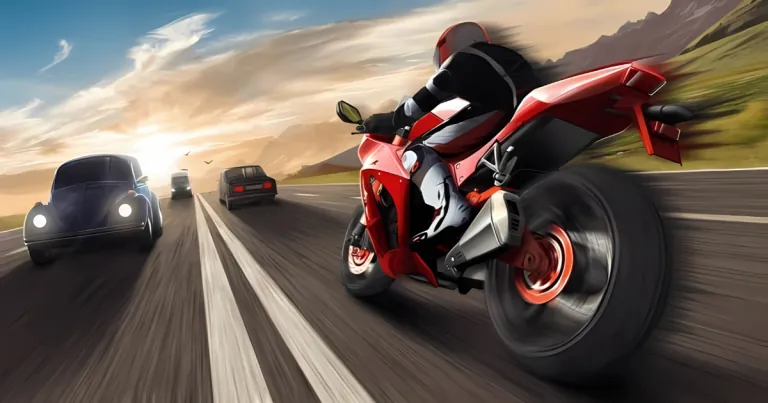
Traffic Rider was developed in 2016 by SK Games only for mobile devices (Android/iOS). Players get to race on bikes through busy roads, avoid crashes, and complete challenges across different modes. Traffic Rider is one of the best video games for racing. Earn rewards, upgrade bikes, and push your skills by riding in the opposite lane or narrowly overtaking traffic.
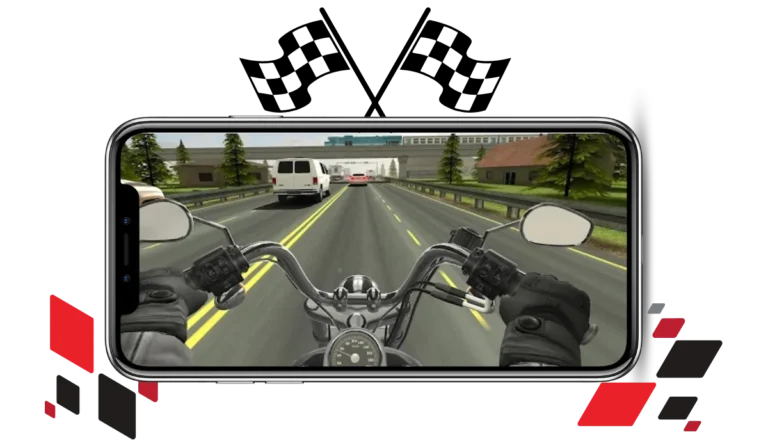
Traffic Rider for PC is easy and has a wide range of tools. These tools help you install the game on your PC. In this game, you can take many bikes, put yourself in the driver’s seat, ride on busy roads, and get as many points as possible. It gives you the vision and feel of realistic motorcycle racing on your computer.
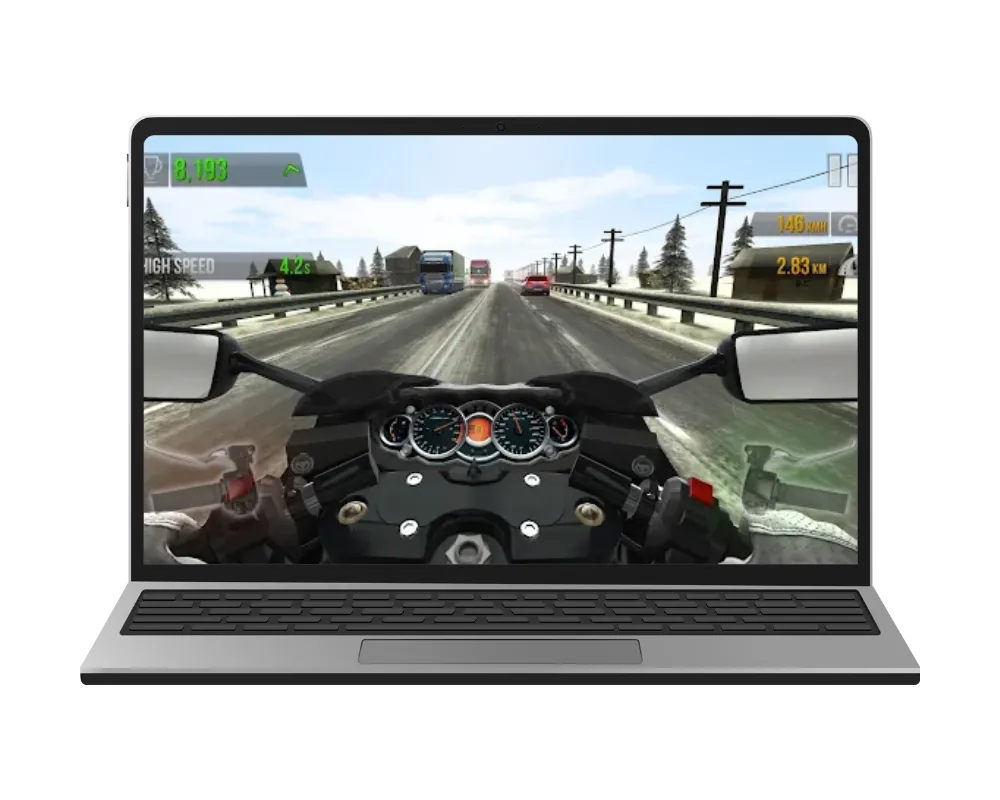
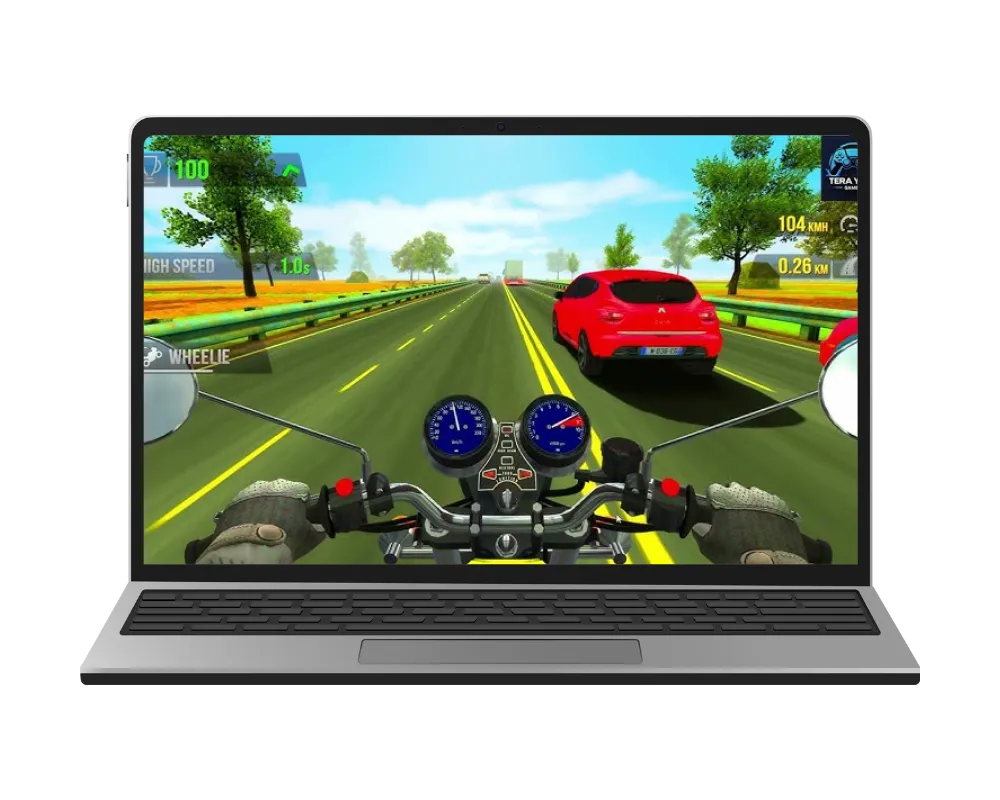
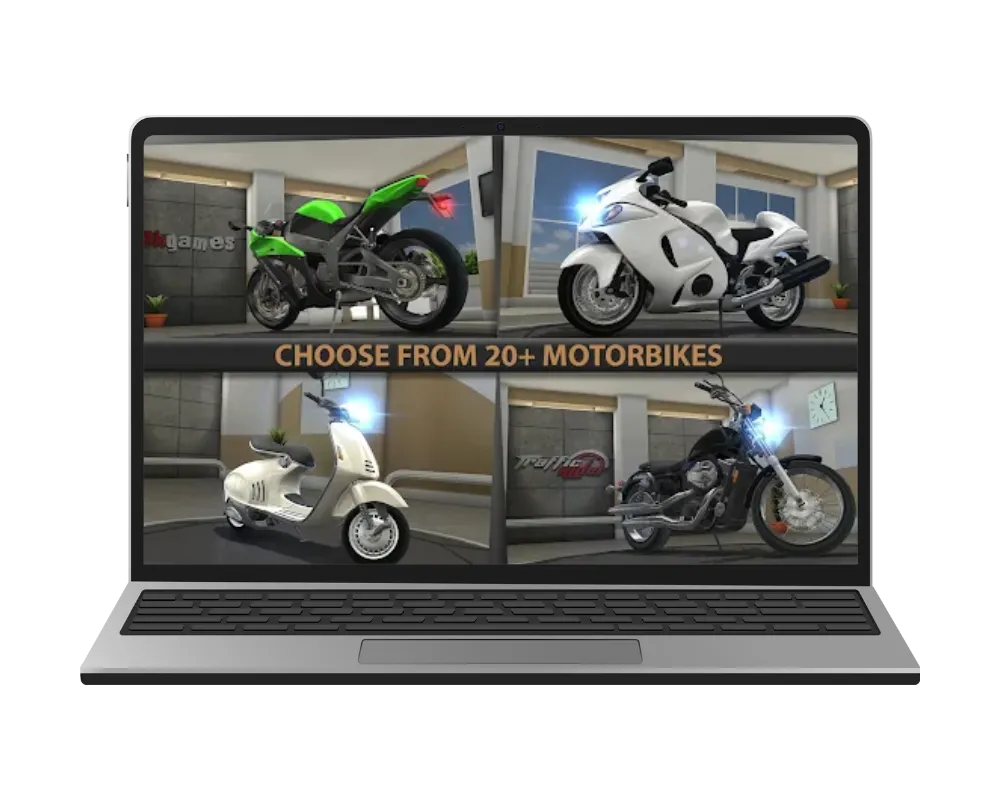
Key Features of Traffic Rider for PC
Realistic graphics & sound effects
The Traffic Rider game gives each motorcycle high-quality graphics and realistic engine sounds; the environment, weather conditions, and bike models are highly realistic, which is more interesting for the players when played on a larger display than on mobile devices. Stunning high-quality graphics that give a real-world riding experience.
Customizable setting
Traffic Rider allows players to customize the controls according to their preferences. Players can change the motorcycle color, design, accessories, music & sound effects, difficulty level, and also choose the various weather conditions.
Realistic physics
The Traffic Rider Game gives realistic speed and acceleration, weight shift, braking, and traction. Those features make the motorcycle’s movement realistic. The Game physics engine gives the impact of crashes and damage to the motorcycle and rider.
Variety of motorcycles
The game offers many types of motorcycles, like sports bikes, cruisers, touring bikes, road bikes, and more. Most of them are modeled after real-world bikes. Players can fix various accessories.
Global Leaderboards
Traffic Rider does not offer real-time multiplayer racing. Instead, it features global leaderboards where you can compare your best scores with riders from around the world and chase the top ranks.
No time limit
The Traffic Rider Game provides an endless mode, so players are not worried about the time limits. There are no traffic rules and infinite fuel; it allows them to ride freely as soon as possible, and they can play without any accidents.
No battery worry
Traffic Rider Game means you don’t have to worry about your phone’s battery playing continuously without interruptions. Focus on gaming without worrying about the battery.
System Requirements
| System Requirements | Minimum Requirements | Recommended Requirements |
|---|---|---|
| Operating system | Windows 7 | Windows 10 |
| Processor | Intel Core i3 | Intel Core i5 |
| RAM | 2GB | 4GB |
| Graphics Card | Integrated GPU with DirectX 9.0 support | Integrated GPU with DirectX 11 support |
| Storage | 500 MB free space | 1GB free space |
How to Download Traffic Rider on PC
After checking the compatibility of your PC, you can start the downloading process.
Method 1: Install Traffic Rider on PC with BlueStacks
- Download BlueStacks from the official website and install it on your Windows PC.
- Launch BlueStacks and sign in with your Google account to access the Play Store.
- Search for “Traffic Rider” in the Play Store search bar.
- Click Install and wait for the game to download.
- Open Traffic Rider from the BlueStacks home screen and start riding.
Method 2: Install Traffic Rider on PC with LDPlayer
- Download LDPlayer from the official website and install it on your Windows PC.
- Launch LDPlayer and sign in with your Google account.
- Search for “Traffic Rider” in the Play Store.
- Click Install and wait for the download to finish.
- Open Traffic Rider from the LDPlayer home screen. LDPlayer is lightweight and works well on lower-end PCs.
Traffic Rider PC Keyboard Controls
| Action | Key |
|---|---|
| Accelerate | W or Up Arrow |
| Brake | S or Down Arrow |
| Steer Left | A or Left Arrow |
| Steer Right | D or Right Arrow |
Prefer mobile? Get the Traffic Rider MOD APK for Android or see Traffic Rider for iOS
Tips to Play Traffic Rider Like a Pro
Unlocking All Bikes
- Complete the missions using the Career mode and earn money after finishing those levels.
- While you are playing Traffic Rider, it is a trick to drive close to the other vehicles to earn bonus points or extra money.
- While playing the game, don’t waste money on upgrade mode or on purchasing a subscription. Save money for the faster bike.
Navigating Traffic at High Speeds
- While playing this game, you should stay in the middle of the road because it gives you more space to avoid crashing and avoid other vehicles
- On a clear road, you should use high speed to finish faster.
- When you are in the middle of the cars, watch the cars’ movement and plan the best way to go.
Conclusion: Traffic Rider for PC
If you like compact racing games that stay true to old-school style, Traffic Rider fits well. Traffic Rider for PC is a good pick for anyone who wants to have fun with clear controls and a bigger screen. Enjoy solid visuals, quick input response, and a long list of missions that stay fun. Playing on PC also makes the whole experience more engaging because everything is easier to see and react to, thanks to the keyboard setup. Download Traffic Rider on your PC, start your first ride, and enjoy the kind of racing that stays exciting without feeling complicated.
Frequently Asked Questions About Traffic Rider for PC
Is Traffic Rider available offline?
Yes, you can play Traffic Rider offline, but you’ll need an internet connection for updates.
How can I earn money in Traffic Rider?
Firstly, complete all missions and perform tricks to overtake the car closely to earn money.
How can I unlock a new bike in the game?
To unlock new bikes, you can complete all the missions and, after that, collect the money to buy bikes in the game.
Is the Traffic Rider free to play?
Yes, Traffic Rider is free to download and play. If you want to upgrade it and want new bikes, then you should purchase the app.
Can I play the Traffic Rider game mod on PC?
Yes – install the MOD APK through BlueStacks or LDPlayer on Windows 10/11.